How to Normalize Names & Tags
Audience: Archivists — people cleaning up inconsistent names and tags across a batch.
When multiple contributors describe the same person or topic, they often use different names. One might say "Granny", another "Grandma Rose", and a third "Rose H." — all referring to the same person. Normalization lets you merge these variants into a single canonical value so your metadata is consistent.
What Can You Normalize?
- People — names of individuals appearing across multiple photos
- Tags — topic labels extracted from contributor responses
Step 1 — Open the Normalization Tool
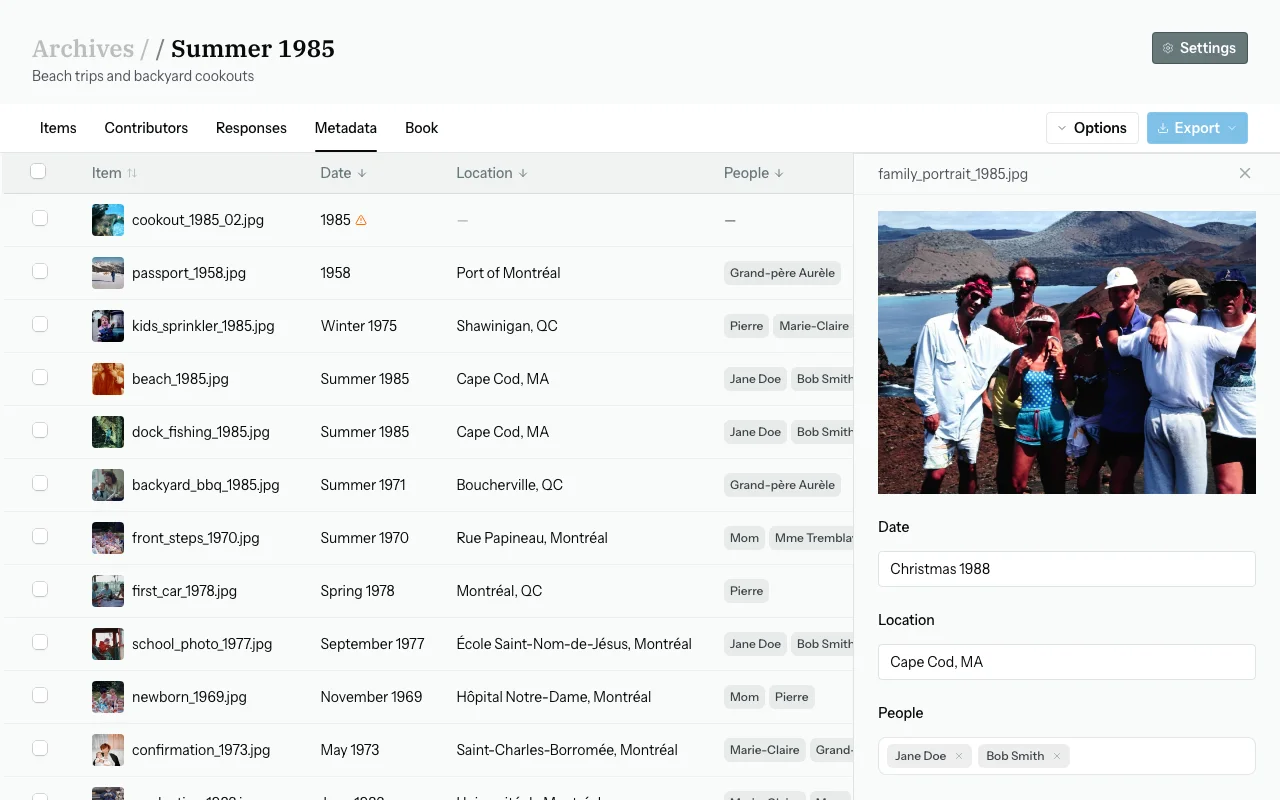
From the Metadata tab, click Options → Normalize (or click the Normalize button in the top bar if visible).
The normalization panel opens with two sections: People and Tags.
Step 2 — Review Suggested Merges
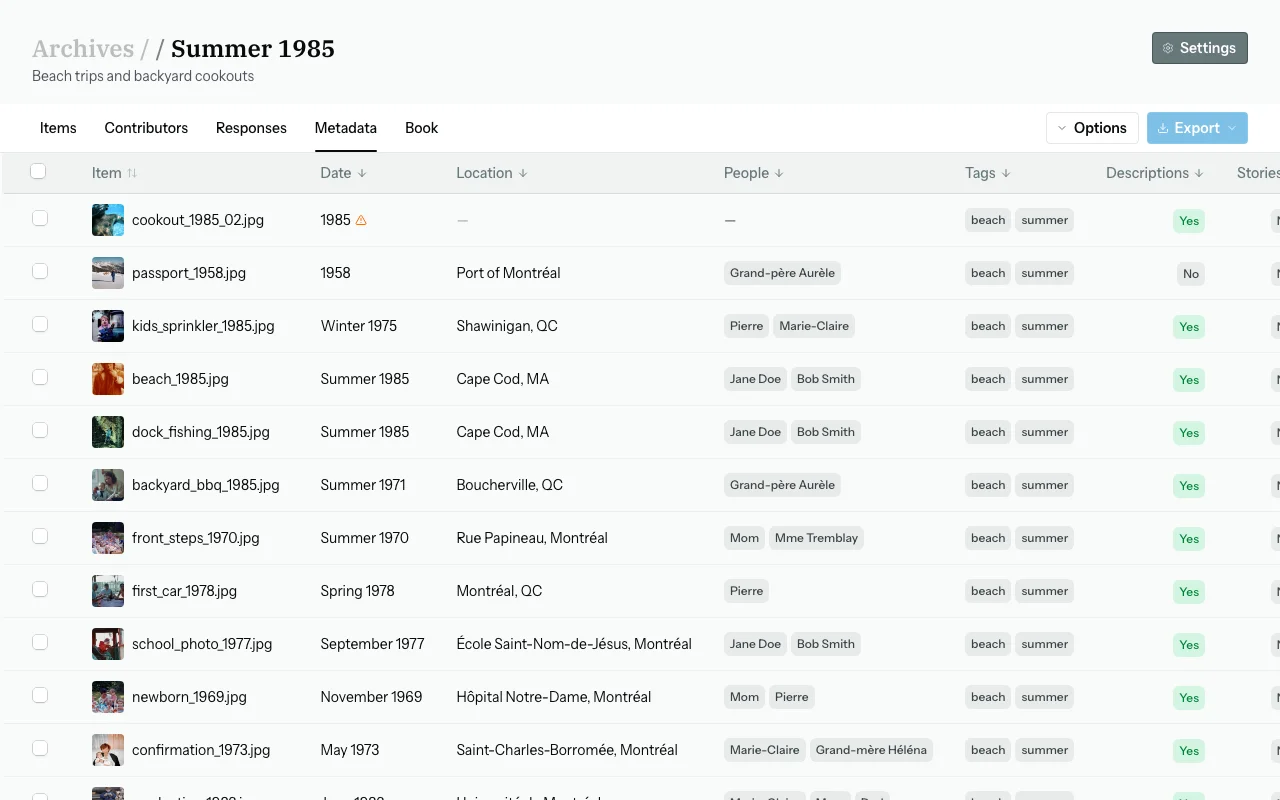
Zeuge automatically clusters variants that appear to refer to the same entity. Each cluster shows:
- A list of variant names found in your batch data
- A suggested canonical value — the name that will replace all variants in the final metadata
- A count of affected items
Step 3 — Accept, Edit, or Reject Each Suggestion
Accept a suggestion
Click Accept. The canonical value will replace all listed variants across every affected item in the batch.
Edit the canonical value
Before accepting, click the canonical name to edit it inline. For example, change "Rose H." to "Rose Henderson" for full-name consistency.
Reject a suggestion
Click Reject to dismiss it. The variants stay as-is. You can always re-open normalization later and handle them then.
Step 4 — Apply Normalizations
Click Apply (bottom right). This writes the canonical values across all affected items.
Note: Only changes you have accepted (and not rejected) are applied. Rejected suggestions and unchanged clusters are left alone.
Normalizing Tags
Click the Tags tab at the top of the normalization panel. The same workflow applies — review tag clusters, edit canonical values if needed, accept or reject, then apply.
Re-Running Normalization
You can run normalization multiple times. Each time you open it, Zeuge re-clusters the current state of your metadata — so you can normalize in rounds, or after adding more responses and re-extracting.
Common Questions
Will normalization overwrite manual fields I set myself?
Only fields within the People and Tags arrays are affected. Any field you marked as "manual" in the metadata editor will be rewritten by normalization if the value contains a matching variant — because normalization is a separate operation. To protect a specific person's exact name, simply don't include their cluster in the accepted merges.
What if the suggested canonical name is wrong for all variants?
Edit the canonical name inline before accepting. You can type whatever value you want — Zeuge only suggests a starting point.
I have too many suggestions. Where do I start?
Focus on People first — names are the most impactful for archive searchability. Accept obvious merges quickly (e.g., "Dad" + "Father" + "Pop") and skip anything uncertain.
Can I undo a normalization after applying?
Not automatically. If you apply and notice an error, edit the affected items manually in the metadata table.
Next Steps
→ Use Visual Similarity to Find Duplicates
→ Back to Archivist Guide